
 Madan Chauhan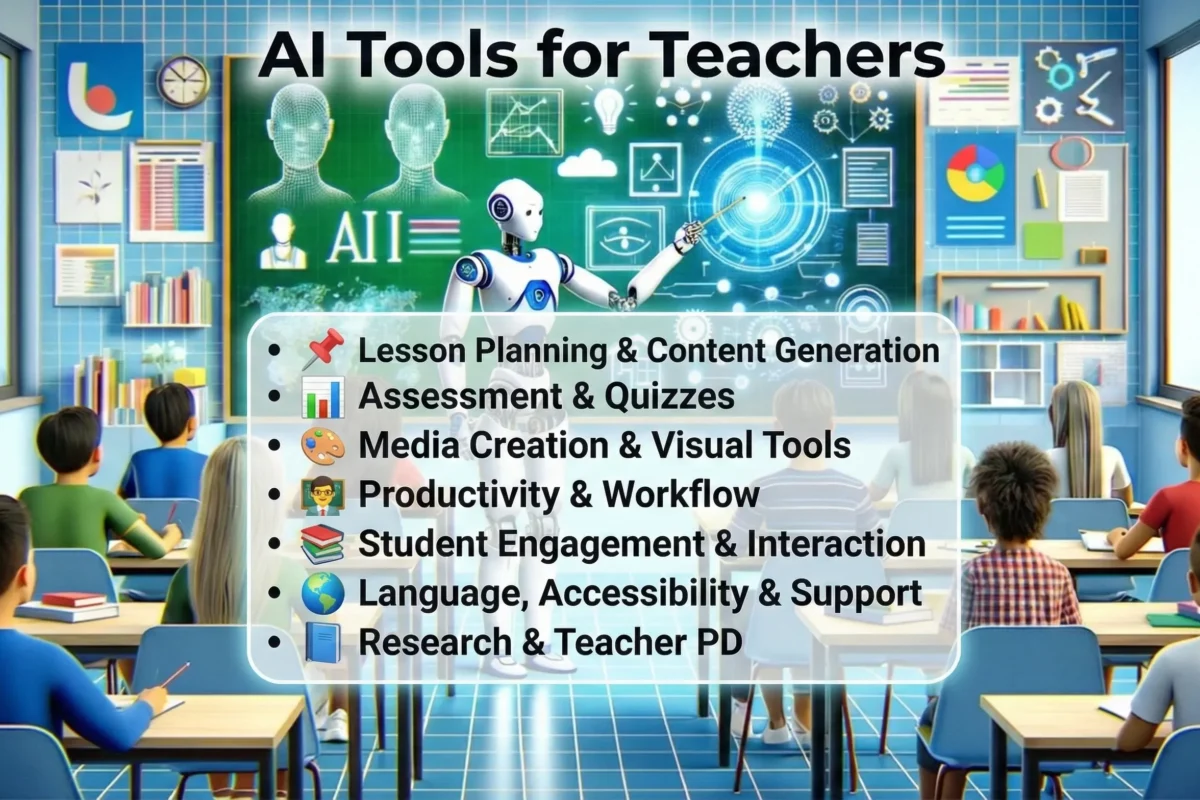
Artificial intelligence is no longer a future concept in education. Today, teachers use AI tools to save time, personalize learning, improve engagement, and reduce administrative workload. From lesson planning and grading to student support and accessibility, AI-powered tools are becoming part of everyday classroom workflows.
This complete guide lists 50 AI tools for teachers, educators, and classrooms, including both free and paid options. The list is designed to help you explore alternatives and competitors to popular resources like Ditch That Textbook, while giving practical context for real classroom use.
Why AI Tools Matter in Modern Classrooms
Education has always evolved with technology. However, recent advances in artificial intelligence allow teachers to work more efficiently at scale. For example, AI can instantly generate quizzes, adjust reading levels, or provide feedback on writing.
As a result, many schools now explore AI tools for educators to improve learning outcomes while managing limited time and resources. Used responsibly, AI supports differentiation, accessibility, and student engagement without adding complexity.
Lesson Planning and Teaching Support
- MagicSchool.ai
Designed specifically for teachers, this tool helps generate lesson plans, rubrics, and classroom activities aligned to standards. - Eduaide.ai
Supports lesson design, instructional strategies, and differentiation across subjects. - ChatGPT
Useful for brainstorming lessons, simplifying explanations, and creating examples at different grade levels. - Education Copilot
Focuses on structured lesson templates, writing prompts, and classroom resources. - Slidesgo AI
Helps teachers create presentations, worksheets, and lesson visuals using AI. - NotebookLM
Organizes lesson notes and summarizes uploaded documents.
Assessment, Quizzes, and Practice
- Quizizz
Creates interactive quizzes and classroom games with AI-generated questions. - Formative
Allows real-time assessment with AI-assisted feedback. - Conker
Quickly builds formative assessments aligned to learning goals. - Blooket
Uses game-based learning to reinforce concepts. - Yippity
Converts notes into flashcards and quizzes. - Wayground
Supports interactive lessons and AI-assisted assessments.
Grading, Feedback, and Academic Integrity
- Gradescope
Helps grade exams and assignments consistently. - Brisk Teaching
Generates feedback comments, rubrics, and lesson resources. - Winston AI
Detects AI-generated content in student submissions. - Turnitin
Supports originality checking and writing feedback.
Student Engagement and Personalized Learning
- Khanmigo
An AI-powered tutor that guides students through learning steps. - Nearpod
Adds interactive elements and AI insights to lessons. - ClassPoint
Turns slides into live quizzes and polls. - Duolingo
Uses AI to personalize language practice.
Writing, Reading, and Accessibility Tools
- Grammarly
Supports grammar, clarity, and feedback on writing. - Speechify
Converts text into audio for inclusive learning. - Microsoft Immersive Reader
Improves comprehension and reading support.
Visuals, Media, and Creativity
- Canva
Creates classroom visuals, posters, and slides using AI. - AutoDraw
Converts rough sketches into clean visuals. - DALL·E
Generates custom images for lessons. - Pictory
Turns lesson text into short educational videos.
Classroom Productivity and Admin Support
- Google Gemini
Helps with research, writing, and classroom content creation. - Otter.ai
Records and transcribes lessons or meetings. - Notion AI
Organizes lesson plans and notes in one place.
Research and Professional Development
- Elicit
Speeds up academic research and literature review. - Perplexity AI
Provides source-based explanations and summaries. - Coursera
Offers AI-focused professional development courses.
Classroom Management and Analytics
- GoGuardian
Uses AI insights to monitor student activity. - DreamBox
Personalizes math instruction using AI.
How to Choose the Right AI Tools for Teachers
When selecting AI tools for teachers, consider the following:
- Ease of use for both teachers and students
- Data privacy and compliance
- Curriculum alignment
- Availability of free plans for testing
Starting with one or two tools is often the most effective approach.
AI Tools for Instructional Planning
Instructional planning is one of the most time-consuming responsibilities for educators. AI tools for instructional planning help teachers design structured lessons, align objectives with outcomes, and differentiate instruction without starting from scratch.
These tools are especially valuable when teachers need to adapt lessons for mixed-ability classrooms, tight academic calendars, or curriculum updates.
How AI Improves Instructional Planning
AI-powered instructional planning tools can:
- Break down curriculum standards into teachable objectives
- Suggest learning activities based on Bloom’s Taxonomy
- Differentiate lessons for advanced and struggling learners
- Align assessments with learning goals
Instead of replacing professional judgment, AI acts as a planning assistant, helping teachers focus on delivery and student engagement.
Common Use Cases in Classrooms
Teachers typically use AI instructional planning tools for:
- Weekly and daily lesson plan generation
- Creating scaffolded learning paths
- Designing project-based learning frameworks
- Mapping lessons to competency-based education models
These tools support both traditional classrooms and online or blended learning environments.
For example, a teacher can input a topic like fractions for Grade 5 and receive:
- Clear learning objectives
- Step-by-step lesson flow
- Suggested formative assessments
- Differentiation ideas for diverse learners
Why Instructional Planning AI Matters
With limited preparation time, these tools reduce burnout and improve instructional consistency across classrooms. Schools and institutions also benefit from better alignment with academic standards and learning outcomes.
AI Tools for Teaching Content Creation
Creating engaging teaching content every day can be exhausting. AI tools for teaching content creation help educators generate high-quality instructional materials quickly while maintaining clarity and relevance.
Types of Content AI Can Create
AI tools assist teachers in creating:
- Lesson explanations and summaries
- Worksheets and practice exercises
- Slides and visual learning aids
- Examples, analogies, and real-world applications
Teachers can easily adjust complexity levels, making content suitable for different grades or learning abilities.
Benefits for Teachers and Institutions
Using AI for teaching content creation helps:
- Reduce repetitive preparation work
- Maintain consistent instructional quality
- Improve student comprehension with simplified explanations
- Support multilingual and inclusive classrooms
For instance, educators teaching complex topics like science, mathematics, or economics can use AI to:
- Simplify difficult concepts
- Generate relatable examples
- Create multiple versions of the same lesson
Content Customization and Control
One major advantage is teacher control. Educators decide:
- Tone (formal or conversational)
- Depth (introductory or advanced)
- Format (text, slides, activities)
This ensures AI-generated content aligns with curriculum goals rather than replacing instructional intent.
AI Tools for Learning & Feedback
Timely feedback is critical for effective learning, but manual feedback is often delayed due to workload. AI tools for learning and feedback provide faster, more consistent insights that help students improve continuously.
These tools support both formative and summative learning processes.
How AI Enhances Student Feedback
AI-powered learning tools can:
- Provide instant feedback on quizzes and assignments
- Identify learning gaps and misconceptions
- Suggest personalized practice activities
- Track progress over time
Instead of generic feedback, students receive specific guidance on where they need improvement.
Personalized Learning at Scale
In classrooms with many students, personalization is challenging. AI helps by:
- Adjusting difficulty levels automatically
- Offering adaptive practice questions
- Recommending targeted revision materials
This is especially useful for competitive exams, language learning, and skill-based subjects.
Teacher Benefits
For educators, AI feedback tools:
- Reduce grading time
- Improve feedback consistency
- Highlight class-wide performance trends
- Support data-driven instruction
Teachers can then focus on mentoring, clarification, and higher-order teaching rather than repetitive corrections.
AI Tools for Teacher Productivity
Teacher productivity goes beyond teaching—it includes planning, communication, documentation, and coordination. AI tools for teacher productivity help educators manage these tasks efficiently without compromising teaching quality.
Everyday Tasks AI Can Automate
AI productivity tools assist with:
- Writing lesson notes and emails
- Summarizing meetings and training sessions
- Organizing lesson plans and resources
- Creating to-do lists and schedules
By automating low-impact tasks, teachers reclaim valuable time for students.
Reducing Administrative Load
Administrative responsibilities often cause teacher burnout. AI tools help by:
- Generating reports and summaries
- Organizing classroom data
- Managing instructional documents
- Supporting compliance and record-keeping
This is particularly useful for senior educators, coordinators, and academic managers.
Long-Term Impact on Teaching Quality
When teachers spend less time on admin work, they:
- Prepare better lessons
- Engage more with students
- Reflect and improve teaching strategies
- Maintain healthier work-life balance
AI productivity tools do not replace educators—they protect their time and energy.
Frequently Asked Questions
What are AI tools for teachers?
AI tools for teachers are software platforms that use artificial intelligence to support lesson planning, grading, personalization, and classroom management.
Are AI tools safe for classrooms?
Most reputable tools follow education data privacy standards. Teachers should review privacy policies before use.
Can AI replace teachers?
No. AI supports teachers by automating tasks, but human instruction remains essential.
Are there free AI tools for educators?
Yes. Many platforms offer free plans or education discounts suitable for classroom use.
Final Thoughts
AI tools for teachers are becoming essential classroom resources. They help educators save time, personalize learning, and improve engagement while maintaining instructional quality. By choosing tools carefully and using them responsibly, teachers can enhance learning without adding complexity.
